 Aug 20, 2026 - 0
Minutes read
Aug 20, 2026 - 0
Minutes read
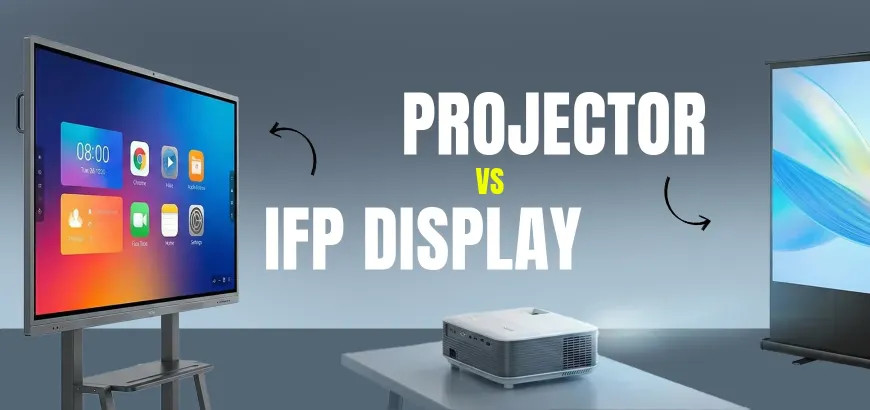
Projector vs. Interactive Flat Panel Display
Compare projectors and interactive flat panels for your 2026 setup.
Choosing between a projector and an interactive flat panel display can significantly affect how effectively people present, teach, collaborate, and communicate. Projectors have traditionally been used in classrooms, conference rooms, training centers, and auditoriums. However, interactive flat panel displays are rapidly becoming a popular alternative because of their brighter screens, touch controls, built-in software, and collaborative features.
The right choice depends on your available budget, room size, lighting conditions, maintenance preferences, and how you plan to use the display.
This projector vs. interactive flat panel display comparison explains the most important differences so you can determine which option is more suitable for your classroom, office, training room, or presentation space.
What Is a Projector?
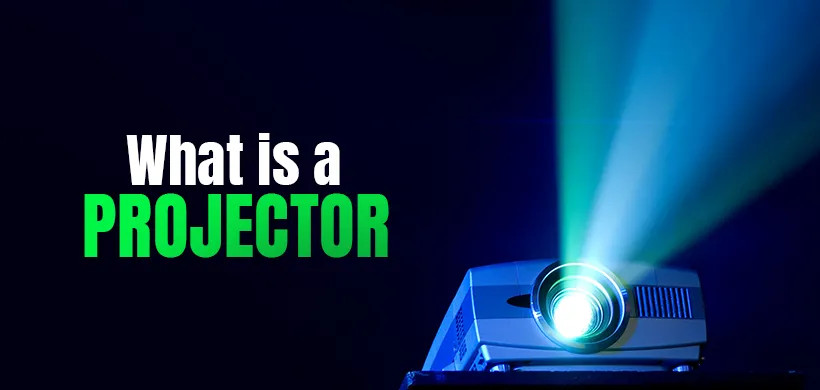
A projector is a display device that projects images or videos onto a wall or projection screen. It usually receives content from a laptop, desktop computer, media player, or another connected device.
Projectors are frequently used in:
- Classrooms and lecture halls
- Conference rooms
- Training centers
- Home theaters
- Auditoriums
- Event venues
- Large presentation spaces
One of the primary advantages of a projector is its ability to create a very large image at a relatively affordable cost. Depending on the model and installation distance, a projector can produce an image much larger than a standard television or flat-panel display.
However, image quality can be affected by room lighting, screen condition, installation position, and projector brightness. Traditional lamp-based projectors may also require periodic maintenance and lamp replacement.
What Is an Interactive Flat Panel Display?
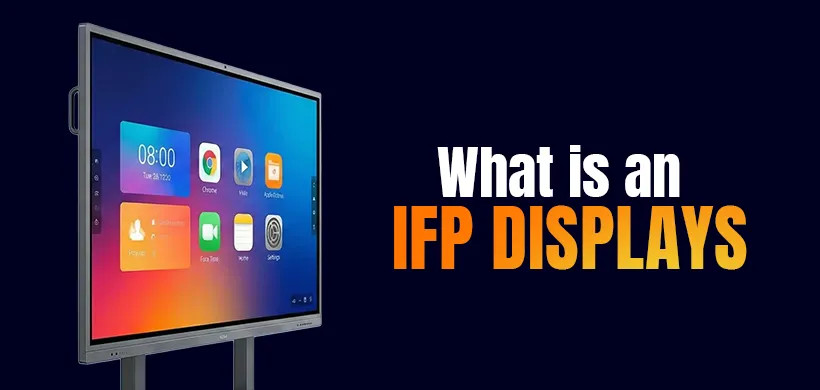
An interactive flat panel display, commonly called an IFPD or interactive display, is a large touchscreen designed for presentations, education, meetings, and collaborative work.
It combines the functionality of several devices, including:
- A digital display
- An interactive whiteboard
- A touchscreen
- A presentation monitor
- A collaboration tool
- In some models, a built-in computer
Users can write, draw, highlight, move objects, open applications, and control presentations directly from the screen. Many interactive displays also support wireless screen sharing, cloud-based applications, video conferencing, and multi-user touch input.
Interactive flat panels are commonly installed in modern classrooms, corporate meeting rooms, training facilities, healthcare organizations, and government offices.
Projector vs. Interactive Flat Panel Display: Quick Comparison
| Feature | Projector | Interactive Flat Panel Display |
|---|---|---|
| Image brightness | Can be affected by ambient light | Bright and clear in most lighting conditions |
| Interactivity | Requires additional equipment | Built-in touchscreen functionality |
| Image size | Can produce a very large image | Limited to the physical screen size |
| Maintenance | May require filter and lamp replacement | Generally requires minimal maintenance |
| Installation | May require mounting, cabling, and screen alignment | Usually simpler once mounted or placed on a stand |
| Shadow and glare | Presenter may create shadows | No projector shadow |
| Startup time | Some models need time to warm up | Usually starts quickly |
| Sound | Often requires external speakers | Many models include built-in speakers |
| Collaboration | Limited without extra tools | Designed for interactive collaboration |
| Initial cost | Often lower | Usually higher |
| Long-term cost | Maintenance can increase total cost | Lower routine maintenance expenses |
| Best suited for | Large images and budget-conscious installations | Interactive teaching and collaborative meetings |
1. Image Quality and Brightness
Image quality is one of the most noticeable differences between projectors and interactive flat panel displays.
A projector’s visibility depends heavily on the amount of ambient light in the room. In a bright classroom or meeting room, projected content may appear faded or difficult to read. Curtains, blinds, or dimmed lighting may be necessary to achieve a clearer image.
An interactive flat panel produces its own light, similar to a modern television or computer monitor. As a result, text, images, and videos generally remain clear even when the room lights are on.
For rooms that cannot be darkened easily, an interactive flat panel is usually the stronger option.
2. Touchscreen and Interactive Features
A standard projector displays content but does not allow users to control it directly from the projection surface. Interactive functionality normally requires additional hardware, such as an interactive whiteboard, camera, sensor, or special pen.
An interactive flat panel includes touch functionality within the screen. Teachers and presenters can write notes, annotate documents, move content, erase writing, and interact with applications without returning to a laptop.
Many models support multiple touch points, allowing several users to write or interact with the screen simultaneously. This is particularly helpful for group activities, classroom exercises, brainstorming sessions, and team collaboration.
3. Screen Size
Projectors have a clear advantage when an extremely large image is required. A suitable projector can display content across a screen larger than most commercially available interactive panels.
This makes projectors useful for:
- Auditoriums
- Large lecture halls
- Event spaces
- Home theaters
- Rooms with a large audience
Interactive flat panels are available in several sizes, with 65-inch, 75-inch, and 86-inch models being common for classrooms and meeting rooms. Although these sizes work well for many environments, they may not be large enough for audiences seated far away.
Therefore, room size and viewing distance should be considered before choosing either technology.
4. Installation Requirements
Installing a projector may involve several components. You may need a ceiling mount, projection screen, power outlet, video cables, cable management system, speakers, and careful image alignment.
The distance between the projector and screen must also be calculated correctly. Poor positioning can lead to an image that is too small, distorted, or partially blocked.
An interactive flat panel usually requires a wall mount or mobile stand. Once installed, it operates as a single display unit. Because there is no projected beam, users do not need to manage screen alignment or presenter shadows.
However, interactive displays can be heavy, so secure professional mounting may be necessary.
5. Maintenance and Lifespan
Traditional lamp-based projectors require more routine maintenance. Depending on the model and usage, owners may need to:
- Replace the projector lamp
- Clean or replace air filters
- Adjust image alignment
- Clean the projection lens
- Maintain the projection screen
Laser projectors require less maintenance than traditional lamp models, but their performance and total cost still depend on the specific product.
Interactive flat panel displays generally require less routine maintenance. There are no projector lamps or filters to replace, and the screen mainly needs normal cleaning and software updates.
The reduced maintenance requirement can make an interactive display more convenient for schools and businesses that do not have dedicated technical support staff.
6. Classroom Experience
When comparing an interactive flat panel vs. projector for classroom use, student engagement is an important consideration.
A projector works well for displaying slides, educational videos, diagrams, and digital textbooks. However, it may require the teacher to remain near the connected computer or use a separate remote control.
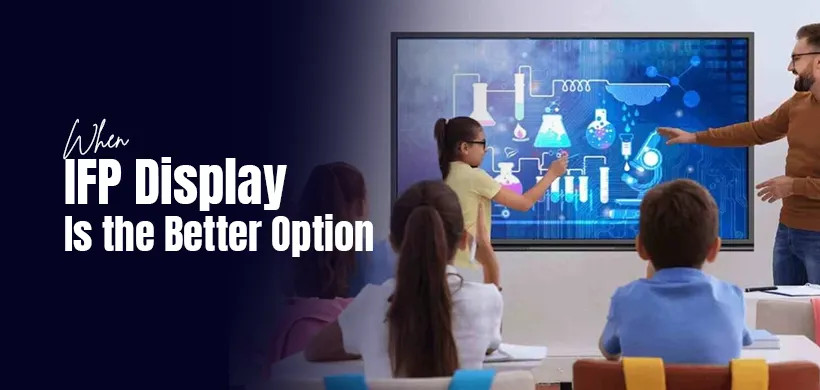
An interactive flat panel allows the teacher to work directly on the displayed content. Teachers can annotate lessons, invite students to solve problems on the screen, save written notes, and share lesson materials digitally.
The teacher also does not need to stand in a projector beam, which eliminates distracting shadows and prevents bright light from shining into the presenter’s eyes.
For interactive lessons and collaborative learning, the flat panel normally provides a more flexible experience.
7. Business Meetings and Collaboration
Projectors remain practical for straightforward business presentations, especially when a company already has an installed projection system.
However, modern meetings increasingly involve remote participants, live document editing, screen sharing, digital whiteboarding, and group collaboration. Interactive flat panel displays are better designed for these activities.
Depending on the model and installed software, an interactive panel may allow participants to:
- Share screens wirelessly
- Annotate documents
- Conduct video conferences
- Use a digital whiteboard
- Save and distribute meeting notes
- Work on shared files
- Connect multiple devices
This can reduce the need for separate whiteboards, displays, speakers, and collaboration equipment.
8. Initial Cost and Long-Term Value
Projectors often have a lower initial purchase price, especially when only basic presentation functionality is needed. This makes them attractive to schools, small businesses, and organizations with limited budgets.
However, the complete cost may include:
- A projection screen
- Ceiling mounting
- Installation services
- Replacement lamps
- Filters
- External speakers
- Additional interactive equipment
- Ongoing maintenance
Interactive flat panels generally cost more upfront. Nevertheless, they combine several functions within one device and usually need less routine maintenance.
Instead of comparing only the purchase prices, consider the total cost of ownership over several years. A higher initial investment may provide better long-term value if the display is used frequently and its interactive features replace other equipment.
Advantages and Disadvantages of a Projector
Advantages of a Projector
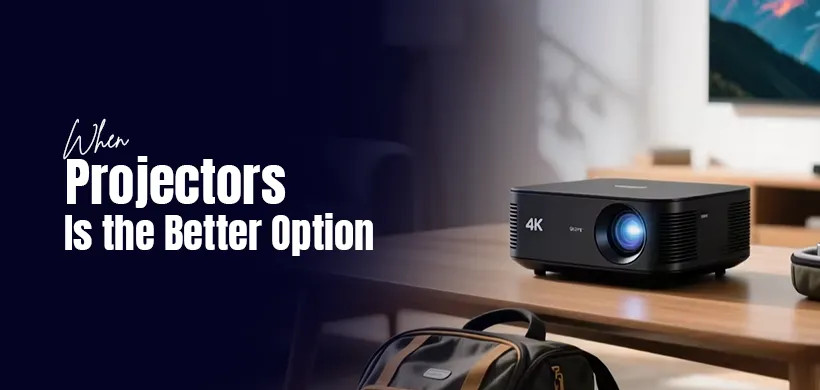
- Produces a very large image
- Usually has a lower starting price
- Suitable for large audiences
- Works well for movies and standard presentations
- Offers flexible image sizing
- Can be used with different projection surfaces
Disadvantages of a Projector
- Image quality may decrease in bright rooms
- Presenters can create shadows
- Some models require lamp and filter replacement
- Installation and alignment may be complicated
- Interactive features often cost extra
- External speakers may be required
Advantages and Disadvantages of an Interactive Flat Panel
Advantages of an Interactive Flat Panel
- Bright and sharp image
- Built-in touchscreen controls
- Supports writing and annotation
- Minimal routine maintenance
- No projector shadows
- Quick startup
- Suitable for collaborative learning and meetings
- Often includes speakers and wireless sharing features
Disadvantages of an Interactive Flat Panel
- Higher initial cost
- Screen size is fixed
- Large panels can be heavy
- Professional mounting may be necessary
- Built-in features vary between manufacturers
- May not be large enough for an auditorium
Which One Should You Choose?
Choose a projector if:
- You need the largest possible image
- The room can be darkened
- Your primary activities are videos and slide presentations
- You have a limited initial budget
- The audience will be seated far from the screen
- Touchscreen functionality is not necessary
Choose an interactive flat panel display if:
- You need a bright image in a well-lit room
- Teachers or presenters need to write on the screen
- Collaboration is an important part of your activities
- You want minimal routine maintenance
- The display will be used frequently
- You need a modern smart classroom or meeting-room solution
What to Check Before Buying

Before buying a projector or interactive flat panel, evaluate the following factors:
Room Size and Viewing Distance
Measure the room and consider how far the audience will sit from the display. A screen that works in a small meeting room may be difficult to read in a large classroom.
Lighting Conditions
If the room receives significant daylight and cannot be darkened, pay close attention to brightness. A bright flat panel may provide better visibility than an entry-level projector.
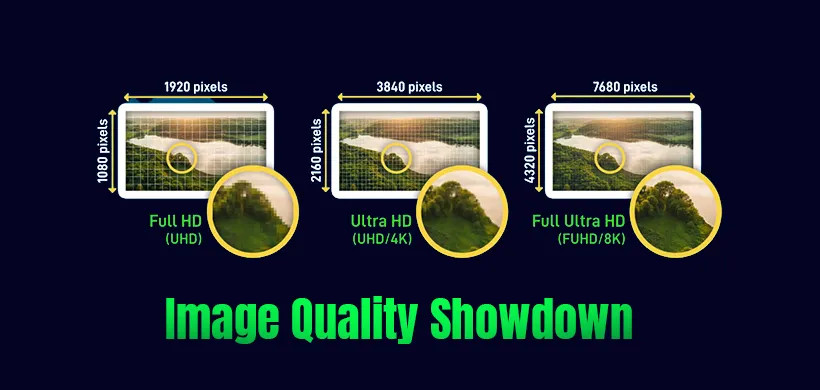
Resolution
For clear text and detailed visuals, consider a display with sufficient resolution for the chosen screen size. Higher resolution is especially useful when viewing spreadsheets, technical diagrams, or small text.
Connectivity
Check for the ports and wireless standards you need, such as HDMI, USB, USB-C, Wi-Fi, Bluetooth, or wireless screen sharing.
Software Compatibility
Make sure the device works with the computers, operating systems, conferencing platforms, and educational software your organization already uses.
Warranty and Support
Review the warranty terms, installation support, software update policy, and availability of local servicing before purchasing.
Frequently Asked Questions
Is an interactive flat panel better than a projector?
An interactive flat panel is generally better for bright rooms, interactive lessons, digital whiteboarding, and collaborative meetings. A projector may be better when you need a much larger image at a lower initial cost.
Can an interactive flat panel replace a projector?
Yes. In many classrooms and meeting rooms, an interactive flat panel can replace a projector, projection screen, whiteboard, speakers, and some collaboration equipment. However, a projector may still be preferable in large auditoriums.
Does an interactive display work without a computer?
Some interactive flat panels have a built-in operating system and can run supported applications without an external computer. Others require a connected computer or an optional computing module. Always check the specifications of the individual model.
Is a projector suitable for a bright classroom?
A projector can be used in a bright classroom, but it must provide enough brightness for the room and screen size. Even then, direct sunlight may reduce visibility. A flat panel generally performs more consistently in bright conditions.
Which option requires less maintenance?
Interactive flat panel displays typically require less routine maintenance because they do not use replaceable projector lamps or air filters. Maintenance requirements still vary by model.
Which one is better for online meetings?
An interactive flat panel is generally more convenient for online meetings because it can support touch controls, digital whiteboarding, wireless sharing, and video-conferencing applications. Cameras and microphones may still need to be purchased separately.
Final Verdict
There is no universal winner in the projector vs. interactive flat panel display debate.
A projector is a practical choice when you need a very large image, have controlled lighting, and want to keep the initial purchase cost relatively low. It remains suitable for auditoriums, large lecture halls, entertainment rooms, and basic presentation spaces.
An interactive flat panel display is a stronger option for modern classrooms, training centers, and collaborative meeting rooms. It delivers a bright image, built-in touch interaction, lower maintenance requirements, and more convenient collaboration features.
Before making a decision, compare the complete installation cost, room environment, screen size, required features, warranty, and long-term maintenance—not only the advertised price. This approach will help you select a display solution that provides the best value for your organization.